Procreate DIY Watercolor Kit Guide
Transforming digital sketches into organic, hand-painted masterpieces has never been more accessible for modern creators. By integrating the Procreate DIY. Watercolor Procreate Kit. into your creative workflow, you bridge the gap between traditional artistic charm and digital efficiency. This approach allows graphic designers and illustrators to produce high-quality visual assets that resonate with audiences seeking authenticity in an increasingly polished digital landscape.
Elevating Brand Identity with Organic Textures
In the realm of graphic design, standing out requires more than just clean lines; it demands emotional connection. Watercolor textures introduce a sense of warmth and humanity that rigid vector graphics often lack. When applied to branding and logo design, these soft edges and fluid color blends can soften a brand’s image, making it appear more approachable and artisanal. This is particularly effective for businesses in lifestyle, wellness, and creative industries where trust and personal touch are paramount.
The specific kit introduced here offers a comprehensive solution for those looking to streamline their design process. It includes a high-resolution 9x12 inch PSD file at 300 dpi, perfect for both digital display and print design applications. Whether you are creating greeting cards for clients or developing unique social media graphics, the included watercolor paper background texture provides an immediate foundation of professionalism and tactile appeal.
Essential Tools for Seamless Creation
A successful design workflow relies on having the right tools at your fingertips. This collection is not just about pre-made images; it is about empowering you to create custom visuals efficiently. The kit includes five specialized brushes designed to mimic real-world painting techniques:
- All-in-One Brush: Versatile for sketching and applying water-textured effects with press-dependent color saturation.
- Salted Watercolor Texture Brush: Adds realistic granulation and depth to your compositions.
- Texture Brush: Ideal for adding subtle grain and character to flat areas.
- Lettering Brush: Optimized for calligraphy and hand-drawn typography elements.
- Blur Brush: Essential for blending colors smoothly and creating soft transitions.
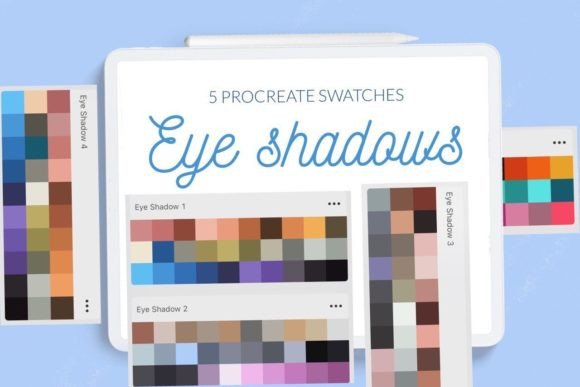
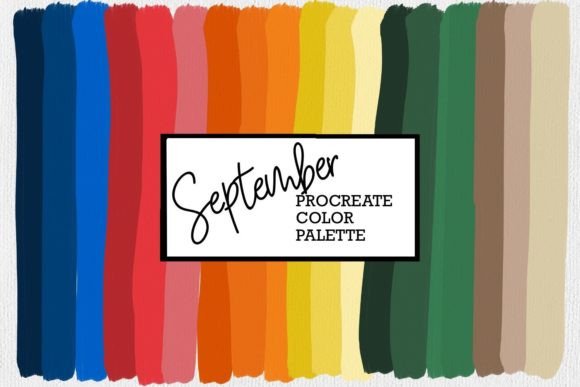
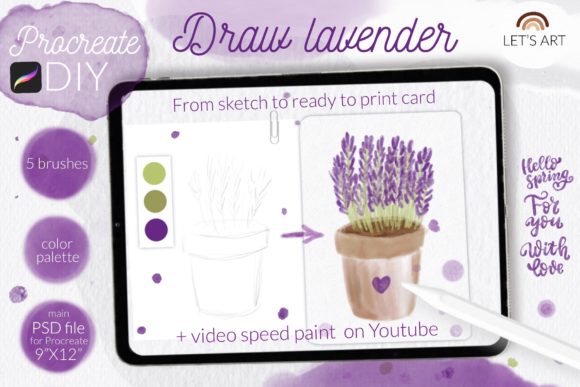
Additionally, the inclusion of a curated color swatch ensures that your palette remains harmonious, saving time during the color selection phase. For those new to digital painting, the provided step-by-step video tutorial and PDF guide offer invaluable instruction, ensuring that even beginners can achieve professional results quickly.
Practical Applications Across Design Disciplines
The versatility of watercolor assets extends far beyond simple illustrations. In editorial design, these textures can be used as subtle backgrounds to enhance readability without overwhelming the text. For packaging design, they add a premium, handcrafted feel that appeals to consumers looking for quality and uniqueness. When integrated into web design or UI elements, soft watercolor accents can guide user attention and break up monotony, improving the overall user experience.
Marketing materials also benefit significantly from this aesthetic. Social media posts featuring watercolor flowers or lavender designs, such as those included in the reference images, tend to generate higher engagement due to their visual appeal. You can easily customize these assets for seasonal campaigns, using the hashtag #letsart_Procreate_DIY to connect with a community of like-minded creators.
Technical Considerations and Compatibility
To ensure a smooth experience, it is important to note technical requirements. The brushset file is compatible with Procreate version 4.0 or later. If you are using an older iPad or an earlier version of the app, the kit provides individual .brush files for manual installation. This attention to compatibility ensures that all users, regardless of their hardware age, can access these powerful creative assets.
When evaluating design elements for your projects, consider consistency and scalability. While watercolor effects are beautiful, they must not compromise legibility or brand recognition. Use the blur and texture brushes judiciously to maintain visual hierarchy. Ensure that any text placed over watercolor backgrounds has sufficient contrast, preserving accessibility and professional presentation.
Ultimately, the goal of incorporating tools like the Procreate DIY. Watercolor Procreate Kit. is to enhance your creative expression without sacrificing efficiency. By leveraging these high-quality digital resources, you can produce stunning visuals that elevate your brand identity, engage your audience, and streamline your production timeline. Embrace the blend of technology and tradition to create work that is not only visually striking but also deeply connected to human emotion.